
Many gift card exchange platforms encourage users to install a mobile application before they can begin. Although an app may be convenient for frequent users, not everyone wants to download another program, create a new profile, or use additional storage space on their phone.
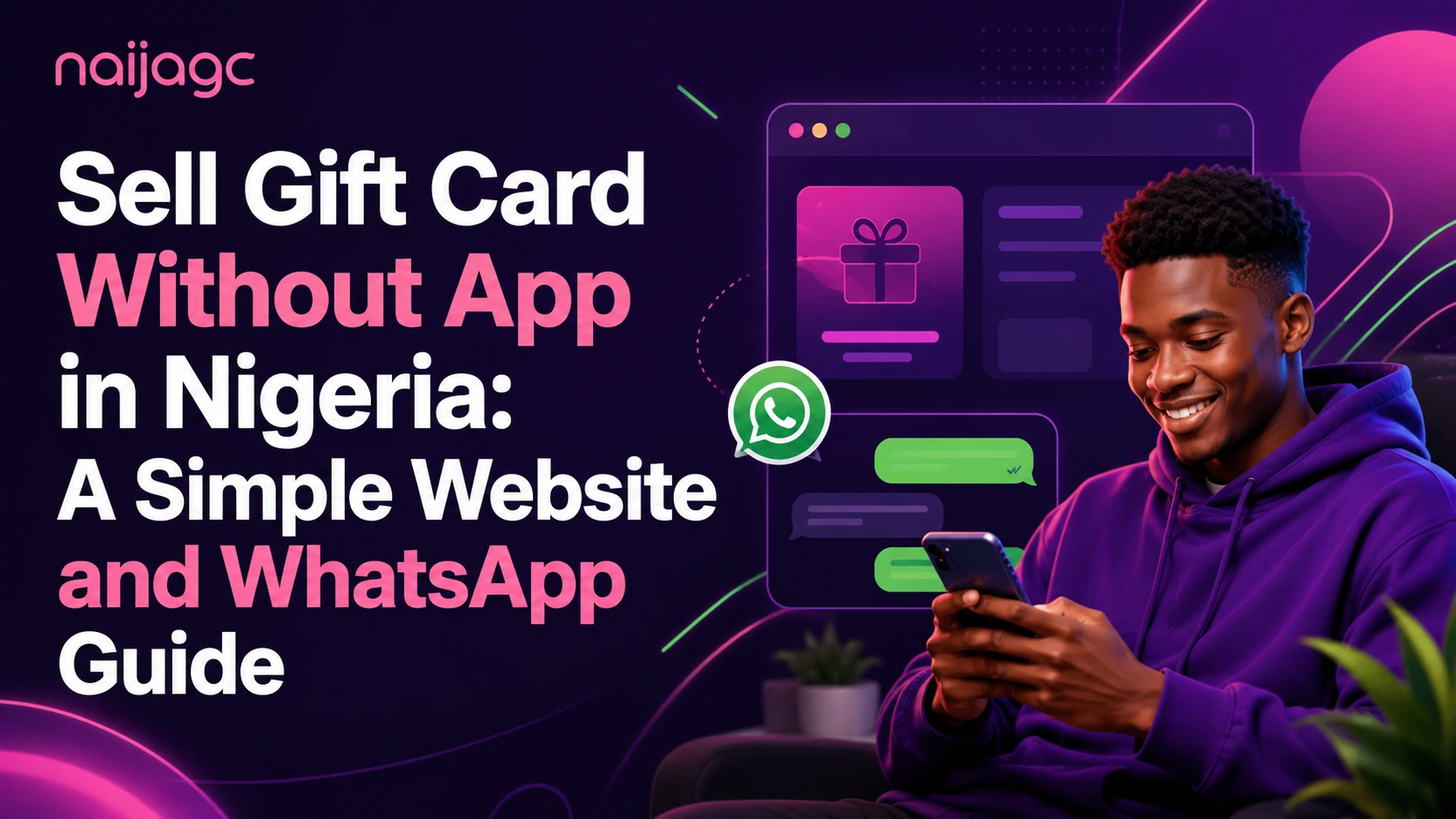
The good news is that it is possible to sell a gift card without an app in Nigeria. A user can usually begin through an official website and continue the process through an authorized WhatsApp contact.
This guide explains how the process works, what information to prepare, and how to avoid common mistakes when using a website or WhatsApp.
Can You Sell a Gift Card Without Downloading an App?
Yes. An app is not always required.
A website-based process allows users to access the service directly from a mobile browser or computer. Some gift card exchange services also use WhatsApp to answer questions, review card details, and guide users through the exchange process.
This option may be suitable for people who:
- Do not want to install another app
- Have limited phone storage
- Prefer speaking directly with a support representative
- Want to confirm whether a card is accepted before submitting it
- Only exchange gift cards occasionally
- Prefer using a browser instead of creating another app profile
The important point is to use only the official website and the WhatsApp contact displayed on that website.
How to Sell Gift Card Without App in Nigeria
The exact process may vary depending on the platform, but most website and WhatsApp exchanges follow a similar structure.
Step 1: Visit the Official Website
Start by entering the official website address directly into your browser.
Avoid relying on random social media comments, forwarded messages, or copied contact details. A legitimate website should clearly display its brand name, contact options, accepted gift card categories, and basic service information.
Before continuing, check that the website address is spelled correctly. Fake pages sometimes use names that look similar to established platforms.
Step 2: Check Whether Your Gift Card Is Supported
Gift card acceptance can depend on several factors, including:
- Gift card brand
- Country or region
- Currency
- Card format
- Face value
- Current market demand
- Card condition
- Availability of supporting purchase evidence
Commonly exchanged categories may include gaming, shopping, entertainment, fashion, food, and prepaid gift cards.
Do not assume that every version of a brand has the same exchange value. For example, a United States card may be reviewed differently from a United Kingdom, European, Canadian, or Australian version.
Step 3: Identify the Card Type
Before contacting support, determine whether you have a physical gift card or an electronic gift card.
A physical gift card is usually a printed card purchased from a store. An electronic gift card is generally delivered through email or another digital channel.
You should also identify:
- The brand name
- The country or region
- The currency shown
- The face value
- Whether the card has been activated
- Whether purchase evidence is available
Providing accurate information at the beginning can reduce delays and prevent incorrect estimates.
Step 4: Contact the Official WhatsApp Channel
Use the WhatsApp contact listed on the official website.
Your first message can be simple:
“Hello, I would like to check whether you accept my gift card.”
You can then state the brand, country, value, and card format. Do not send every piece of card information immediately. First allow the support representative to explain what is required.
A professional support process should clearly guide you through each stage rather than asking you to share unrelated personal details.
Step 5: Request the Current Rate
Gift card rates can change because of market demand, card region, format, availability, and verification requirements.
Ask for the current rate before submitting the card for review. Confirm that the estimate matches the exact card type you hold.
For example, avoid saying only:
“I have a Steam card.”
A clearer message would be:
“I have a physical US Steam gift card with a face value of $100.”
This makes it easier for support to provide the correct guidance.
Step 6: Prepare Clear Card Images
When images are requested, make sure they are clear, well-lit, and easy to read.
Helpful image tips include:
- Use natural light where possible
- Place the card on a plain surface
- Avoid blurry or dark images
- Keep the full card inside the frame
- Do not use filters
- Do not edit the image
- Follow the exact instructions provided by the official support team
Poor image quality is one of the most common reasons a gift card review takes longer than expected.
Step 7: Wait for the Review Result
After the requested information has been submitted, the card may need to be reviewed.
The review process can involve checking:
- Card format
- Region
- Activation status
- Image clarity
- Submitted value
- Supporting evidence
- Current acceptance conditions
Do not submit the same card to several contacts at the same time. Duplicate submissions can create confusion and make the process harder to track.
Once the review is completed, the support representative should explain the next step.
Website vs App: Which Option Is Better?
Neither option is automatically better for every user.
An app may be useful for people who exchange gift cards regularly and prefer managing everything in one place. A website and WhatsApp process may be easier for occasional users who want direct support.
Using a website may offer several advantages:
- No installation required
- No phone storage used
- Easy access from different devices
- Direct access through a browser
- Convenient for one-time users
WhatsApp may also be useful when a user needs help identifying a card region, understanding the required images, or confirming whether a particular card is currently accepted.
How to Stay Safe When Using WhatsApp
WhatsApp is convenient, but users should still be careful.
Always confirm that the contact comes from the official website. Do not trust a number simply because it uses a familiar logo or brand name.
Follow these safety practices:
- Use only the official WhatsApp contact
- Avoid contacts found in public comments
- Do not post gift card information publicly
- Do not send unrelated personal documents
- Confirm the website address before starting
- Keep a record of the conversation
- Leave the conversation if the requests seem unusual
- Ask questions when instructions are unclear
A genuine support representative should not pressure you to act immediately or discourage you from confirming the official contact.
Common Mistakes to Avoid
Providing the Wrong Country
Two gift cards from the same brand may belong to different regions. Always check the currency, packaging, email information, or purchase evidence.
Sending Blurry Images
Unreadable images may delay the review. Retake the image before submitting it.
Hiding Important Parts of the Card
Do not crop the image unless support specifically asks you to do so. The full card may be needed to identify the format and condition.
Using an Unofficial Contact
A copied logo does not prove that a WhatsApp contact belongs to the real platform. Verify the contact through the official website.
Accepting an Estimate for the Wrong Card Type
Physical cards and electronic gift cards may be reviewed differently. Clearly state the card format before requesting the current rate.
Sharing Information Too Early
Begin by describing the card. Wait for clear instructions before submitting additional information.
What Information Should You Prepare?
Before contacting a gift card exchange service, prepare the following:
- Gift card brand
- Country or region
- Currency
- Face value
- Physical or electronic format
- Clear card images
- Available purchase evidence
- A brief explanation of the card condition
Having these details ready can make the conversation faster and easier.
Final Thoughts
You do not always need to install an app to exchange a gift card. Users who prefer a simpler process can visit an official website, confirm the accepted card type, and continue through the verified WhatsApp channel.
The safest approach is to check the website carefully, provide accurate card information, request the current rate, and follow only the instructions given through the official contact.
For users searching for how to sell gift card without app in Nigeria, a website and WhatsApp process can provide a practical alternative without requiring another mobile download.